NoPhone was created to help people regain control over screen time and build stronger focus habits.
 NoPhone
NoPhone
NoPhone
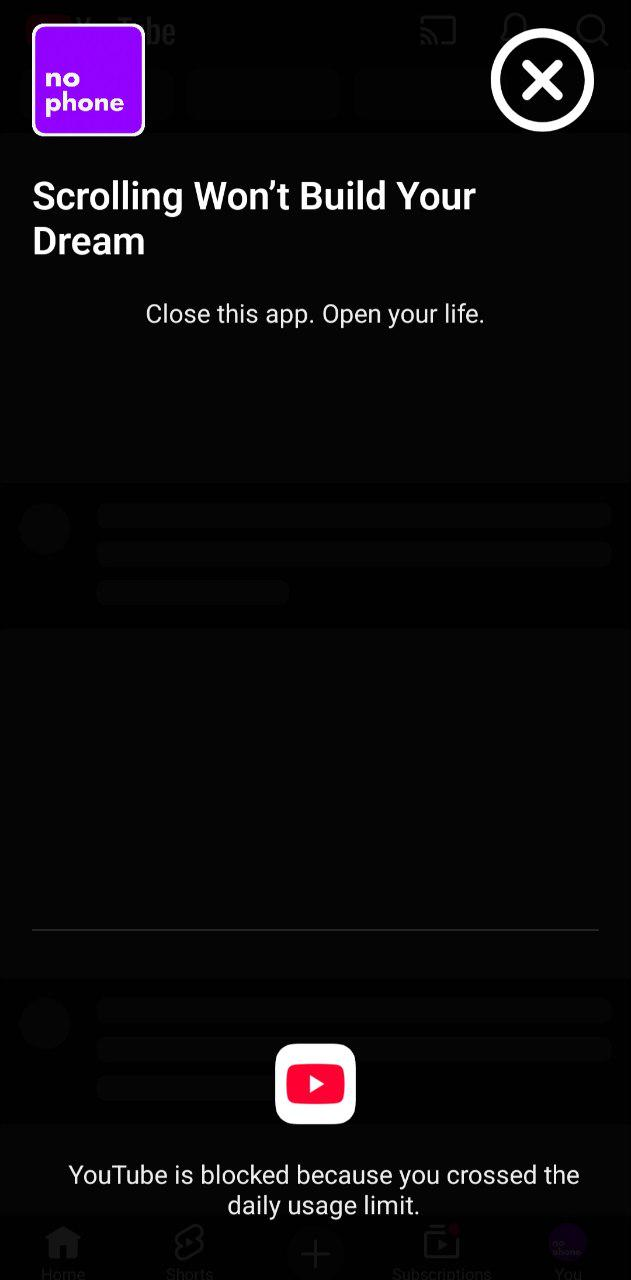
NoPhone blocks addictive apps, forces focus mode, and helps you take control of your time again.
Download on Google Play
No account required • No data tracking • Works offline
Trusted by people trying to reduce screen time worldwide.
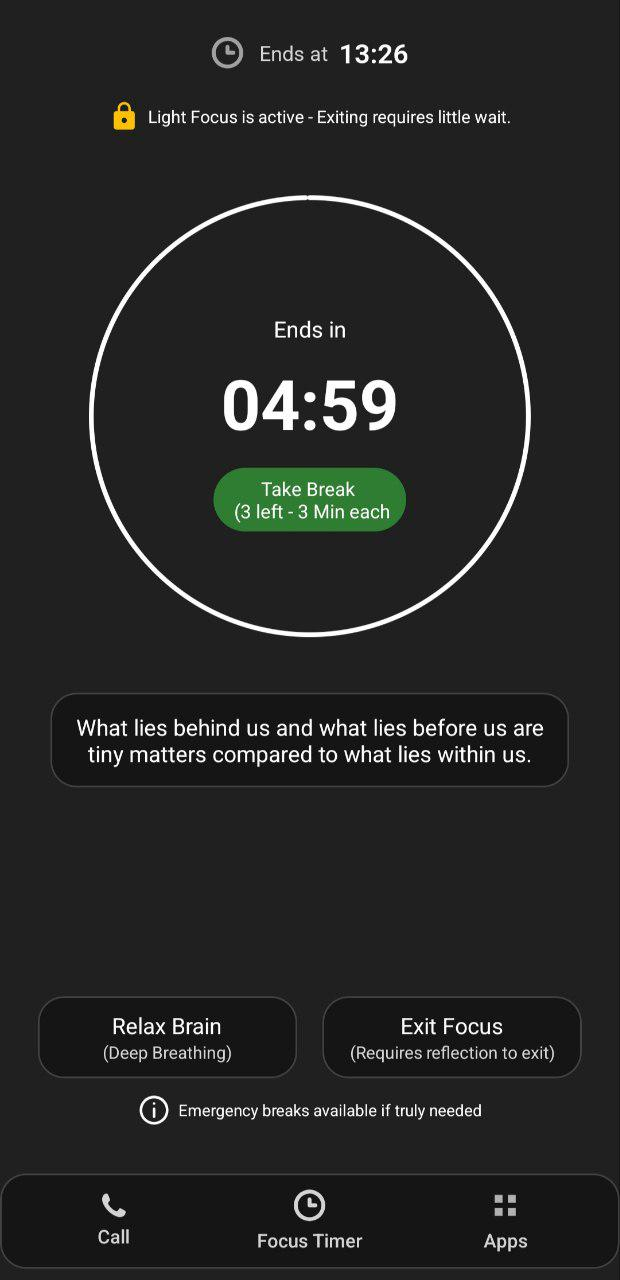
Locks your phone completely so you can't escape focus.
Block social media after daily usage.
Designed to break addiction patterns.
NoPhone helps users reduce phone addiction and stay focused. To provide core features like app blocking, focus mode, and screen-time control, the app requires a few Android permissions. We only request permissions necessary for functionality. No personal data is sold or misused.
Used only to detect when a blocked app is opened and show a focus screen. NoPhone does NOT read chats, passwords, or personal content.
Allows NoPhone to measure screen time and apply app limits. All usage data stays on your device.
Allows the blocking screen to appear when limits are reached.
Used only for focus reminders. NoPhone does not read notifications.
Start a focus challenge or set daily limits.
Open a distracting app like Instagram or YouTube.
NoPhone blocks access and forces focus.
Regular updates and improvements based on user feedback.
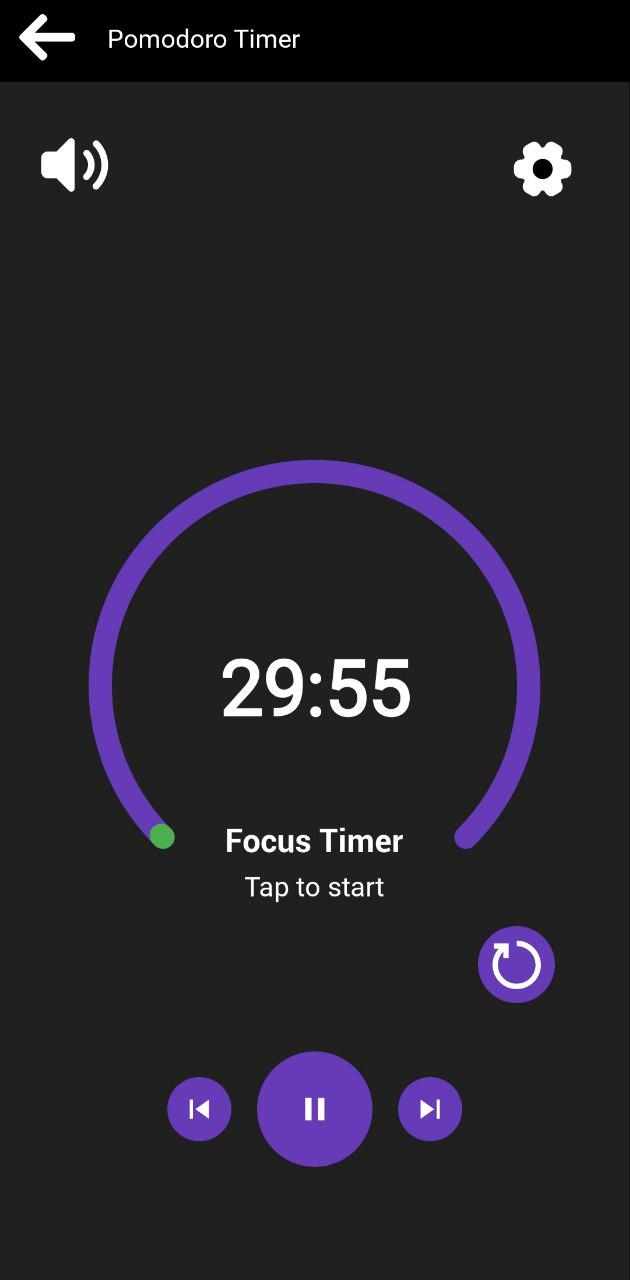
NoPhone was created to help people regain control over screen time and build stronger focus habits.
Available on Android
Download on Google Play
No account required • No data tracking • Works offline
No. NoPhone does not collect or sell personal data. All usage information stays on your device and is used only to provide app blocking and focus features.
Permissions like Accessibility, Usage Access, and Overlay are required only to detect when a distracting app is opened, measure screen time, and show the focus blocking screen. NoPhone does not read personal messages, passwords, or private content.
Yes. Core features like focus mode, app blocking, and screen-time limits work fully offline.
Yes. NoPhone includes built-in safety options that allow users to exit a focus session if needed.
No account is required. You can use NoPhone without signing up or sharing personal information.